Troubleshooting Patient App Enrollment Issues
This topic is intended for Independent pharmacies only and is not applicable to Rexall pharmacies.
This section outlines how to handle common enrollment issues in Propel Rx with the Patient App program such as missing information prompts and communication errors.
 Enroll/Decline Button is Disabled
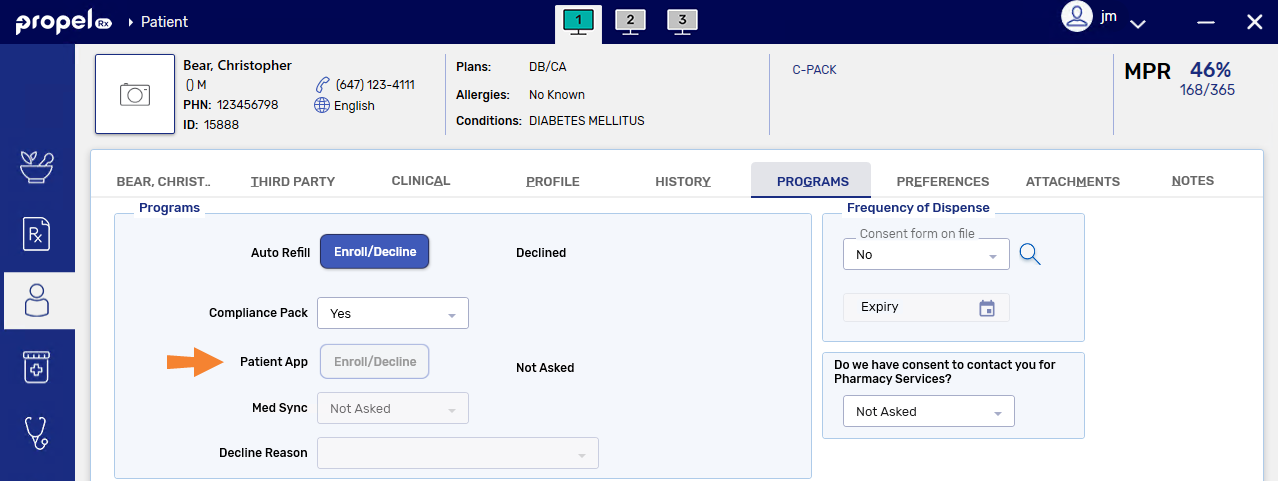
The Enroll/Decline button in the Patient Folder Programs tab can be disabled if:
-
The patient is not eligible to be enrolled in the Patient App program. This includes patients that are under 14 years of age or patients in a non-retail group. If you have a patient that is under 14 years of age that would like to use the app, their caregiver can be enrolled and manage their prescriptions. For more information, see Managing a Caregiver Relationship for Patient App.
-
The birth date is missing in the Patient Folder. Enter the birth date in the Main tab and save the changes before attempting to enroll again.
-
An enrollment request was sent in the last 24 hours. After 24 hours, the Enroll/Decline button will become enabled again and you will be able to open the Patient App Enrollment window.
Invalid Email Address
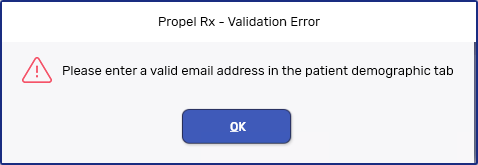
You will encounter the above error if the email address is missing in the Patient Folder or it does not follow the format, "xxxxx@xxxx.xxx". Enter or edit the primary email address in the Main tab and save the changes before attempting to enroll again.
Email is Already Linked to Another Patient
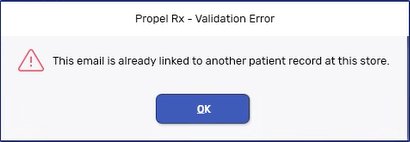
You will encounter the above error if the email address was already used to enroll another patient in the Patient App program at your pharmacy. Confirm the patient's email address and update it in the Patient Folder Main tab if needed. If the patient is managing the prescriptions for another patient at your pharmacy, you create a Caregiver and Person in Care relationship. For more information, see Managing a Caregiver Relationship for Patient App.
Communication is Temporarily Unavailable
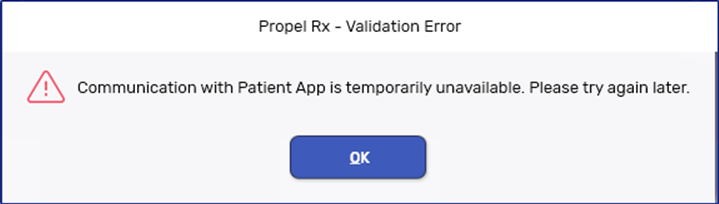
You will encounter the above error when the web service cannot be reached while sending a message from Propel Rx to the app or vice versa. When this occurs, try sending the request at a later time. If issues persist, contact PTS Customer Care.
Patient Wants to Change Their Email Address
If a patient is already enrolled in the Patient App program in Propel Rx but they want to change the email address associated with their account, unenroll the patient. Then, enroll them using the new email address. The patient will need to verify their account again and log in using their new email address going forward.